My Honest Experience After 12 Months of Using Free AI Chatbots
I tested free AI chatbots extensively over the last 12 months, from drafting emails and writing blog content to answering research questions, debugging code, and having full-on brainstorming conversations. I used nearly every major free AI chatbot available, switching between them depending on the task, comparing output quality, response accuracy, and overall usability. What you are reading now is not a recycled list pulled from a tech blog. This is a hands-on guide built entirely from real, daily usage across an entire year.
When I started this journey 12 months ago, the free AI chatbot landscape looked very different. Tools that barely existed then have now become part of my daily workflow. Some that were hyped early on disappointed me quickly. Others surprised me with how capable and genuinely useful they were — for free. By the end of this guide, you will know exactly which free AI chatbot is worth your time, which ones I still use personally, and which ones you can skip.
What Is an AI Chatbot and Why Does It Matter in 2025?
An AI chatbot is a software application powered by a large language model (LLM) that can understand and generate human-like text in real time. Unlike the basic rule-based chatbots of the past — the ones that only responded to specific keywords — modern AI chatbots hold natural, context-aware conversations, answer complex questions, write content, summarize documents, translate languages, generate code, and much more.
In 2025, free AI chatbots have become genuinely powerful tools were unimaginable just a few years ago. Millions of students, professionals, entrepreneurs, and everyday users now rely on them daily for tasks that used to require hiring a specialist or spending hours doing manually.
The key question is no longer “do AI chatbots work?” — they clearly do. The real question is: which free AI chatbot is actually worth using for your specific needs?
The Best Free AI Chatbots I Tested in 2025
After 12 months of personal testing, these are the free AI chatbots that stood out as genuinely useful and reliable.
1. ChatGPT (Free Plan) — Best Overall Free AI Chatbot
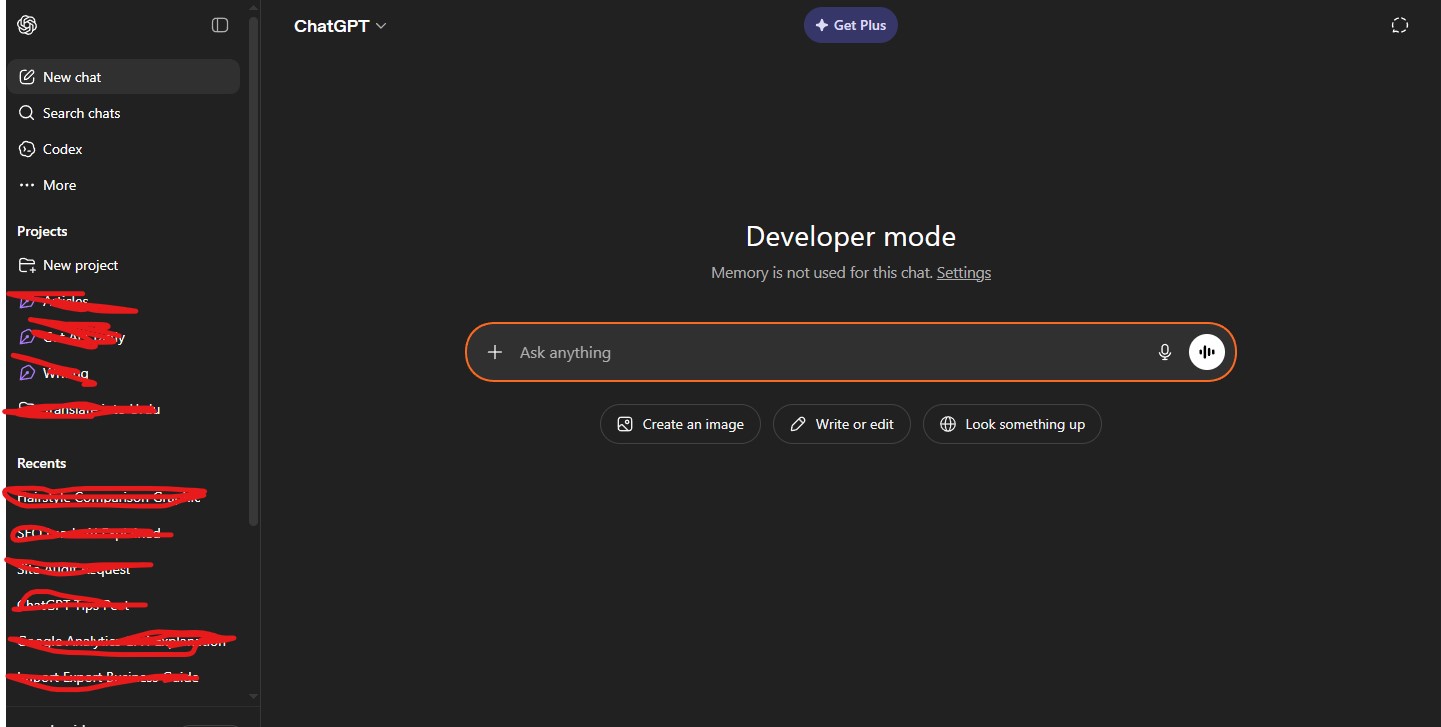
Developed by: OpenAI
ChatGPT remains the most well-known AI chatbot in the world, and after 12 months of using the free tier almost daily, I can confirm it earns that reputation. The free plan now runs on GPT-4o mini — a capable, fast model that handles the vast majority of everyday tasks well.
What I used it for:
- Writing and editing blog posts, emails, and social media captions
- Summarizing long articles and documents
- Answering factual and research questions
- Generating content outlines and brainstorming ideas
What impressed me most was the conversational memory within a session. ChatGPT remembers everything discussed earlier in the same conversation, which makes iterative work — like refining a draft across multiple exchanges — feel natural and efficient.
The free plan does have limits. You do not get access to the full GPT-4o model continuously, image generation is restricted, and during peak hours, free users may experience slower response times. But for text-based tasks, the free tier is remarkably capable.
Best for: General writing, research, brainstorming, summarization, everyday productivity
2. Google Gemini (Free) — Best for Google Workspace Users
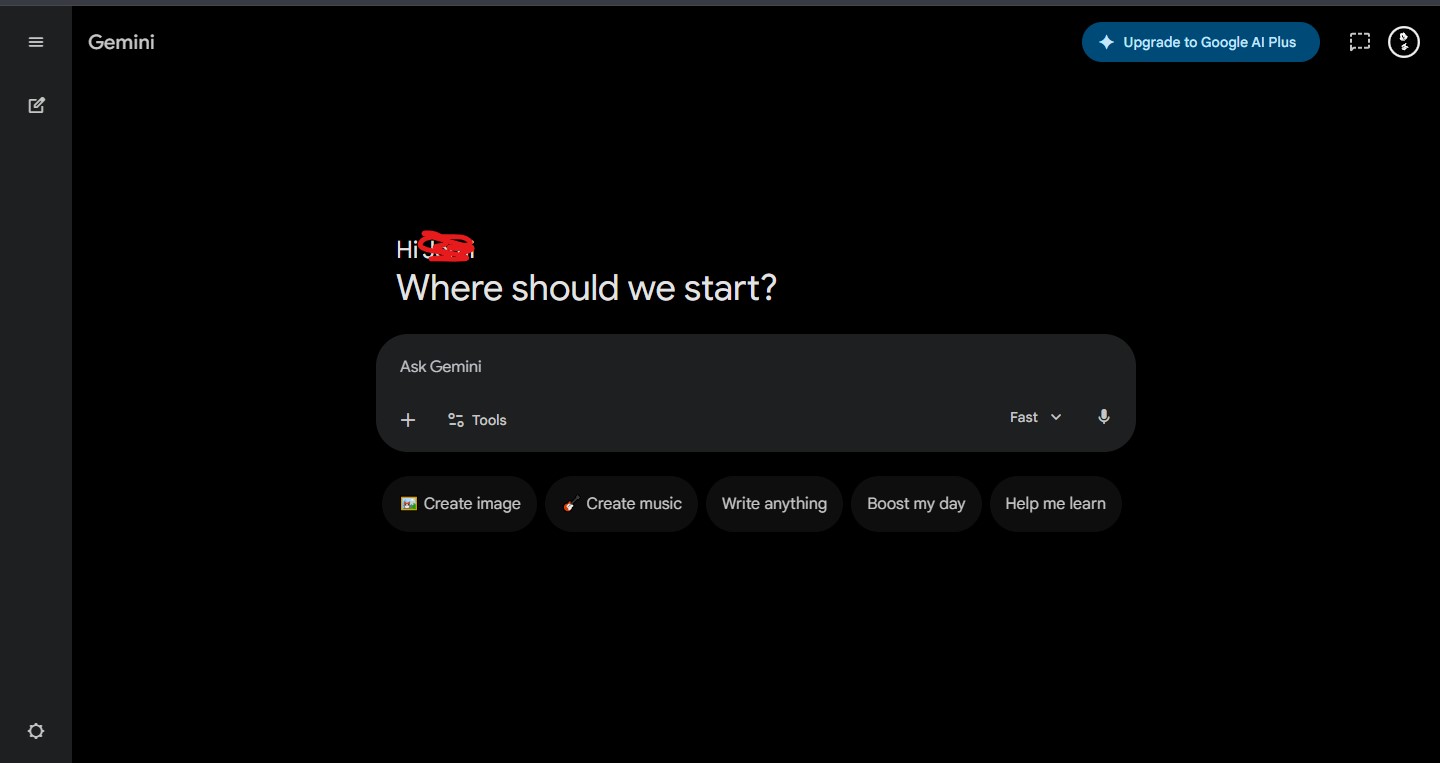
Developed by: Google DeepMind
I tested Google Gemini consistently throughout the year, particularly for tasks that required up-to-date information. Unlike ChatGPT’s free plan (which has a knowledge cutoff), Gemini has access to Google Search, meaning it can pull current information and cite sources in real time.
What I used it for:
- Researching recent events and current news topics
- Drafting Gmail responses and Google Docs content
- Creating summaries of YouTube videos (a feature I used often)
- Travel planning and local recommendations
The integration with Google’s ecosystem is genuinely seamless. If you live inside Google Workspace — Gmail, Docs, Drive, Calendar — Gemini feels like a natural extension of those tools rather than a separate app you have to switch to.
Where it fell short: Creative writing and long-form content generation felt slightly less polished compared to ChatGPT in my testing. Gemini sometimes produces safer, more conservative responses that lack personality.
Best for: Real-time information, Google ecosystem users, research with citations
3. Claude (Free Plan) — Best for Long Documents and Nuanced Writing
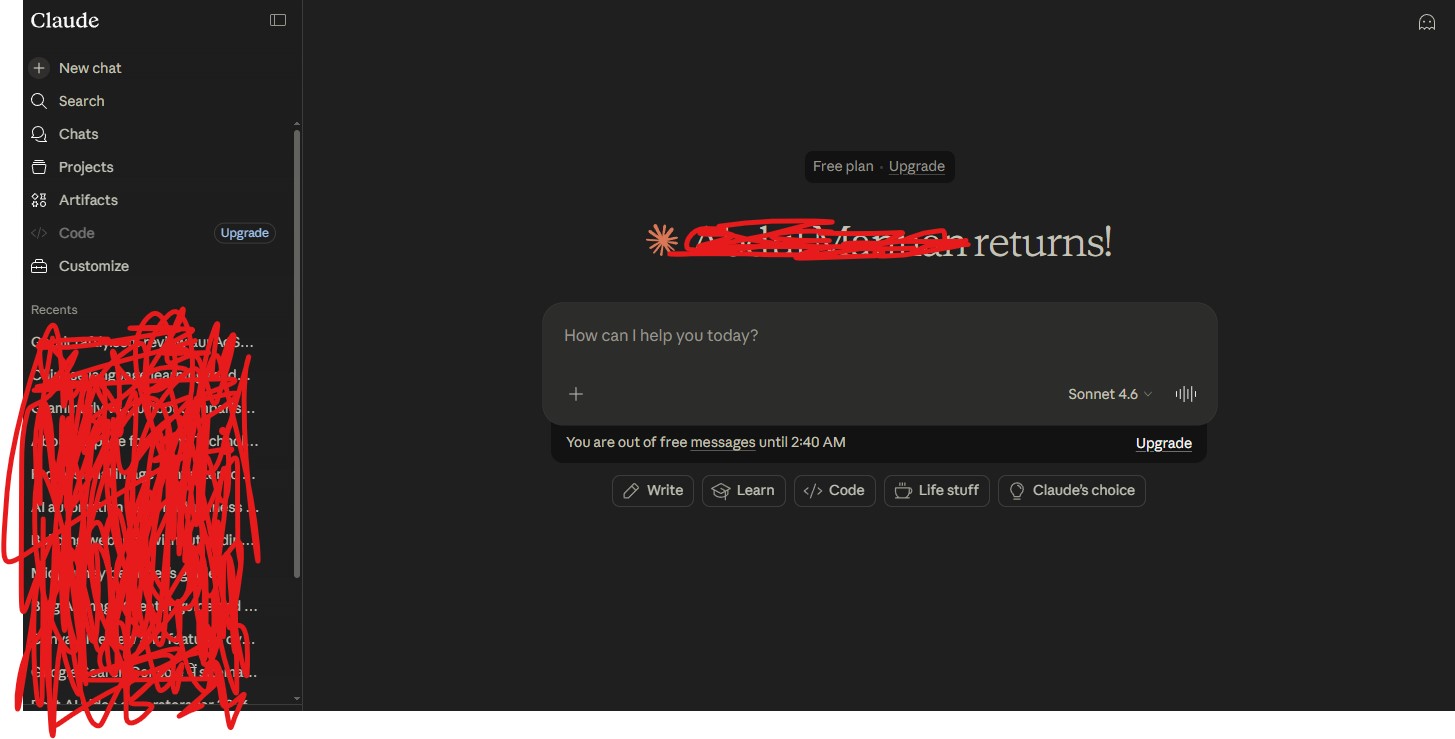
Developed by: Anthropic
Claude quickly became one of my most-used AI chatbots over the past year, especially for tasks involving long documents, nuanced reasoning, and writing that requires a human tone. Anthropic built Claude with a focus on being helpful, harmless, and honest — and that design philosophy shows in the outputs.
What I used it for:
- Reading and summarizing long PDFs and research papers
- Writing long-form articles and detailed reports
- Getting thoughtful, balanced answers to complex or sensitive questions
- Editing and rewriting drafts with natural-sounding suggestions
Claude’s context window on the free plan is generous — it can handle much longer documents and conversations than most competitors without losing track of earlier content. In my testing, I uploaded a 40-page business report and asked Claude to summarize it by section. The result was accurate, well-organized, and genuinely useful.
Where it fell short: Claude does not have real-time internet access on the free plan, so for current events or live data, it is not the right tool.
Best for: Long-document analysis, thoughtful writing, nuanced research questions
4. Microsoft Copilot (Free) — Best for Real-Time Web Search
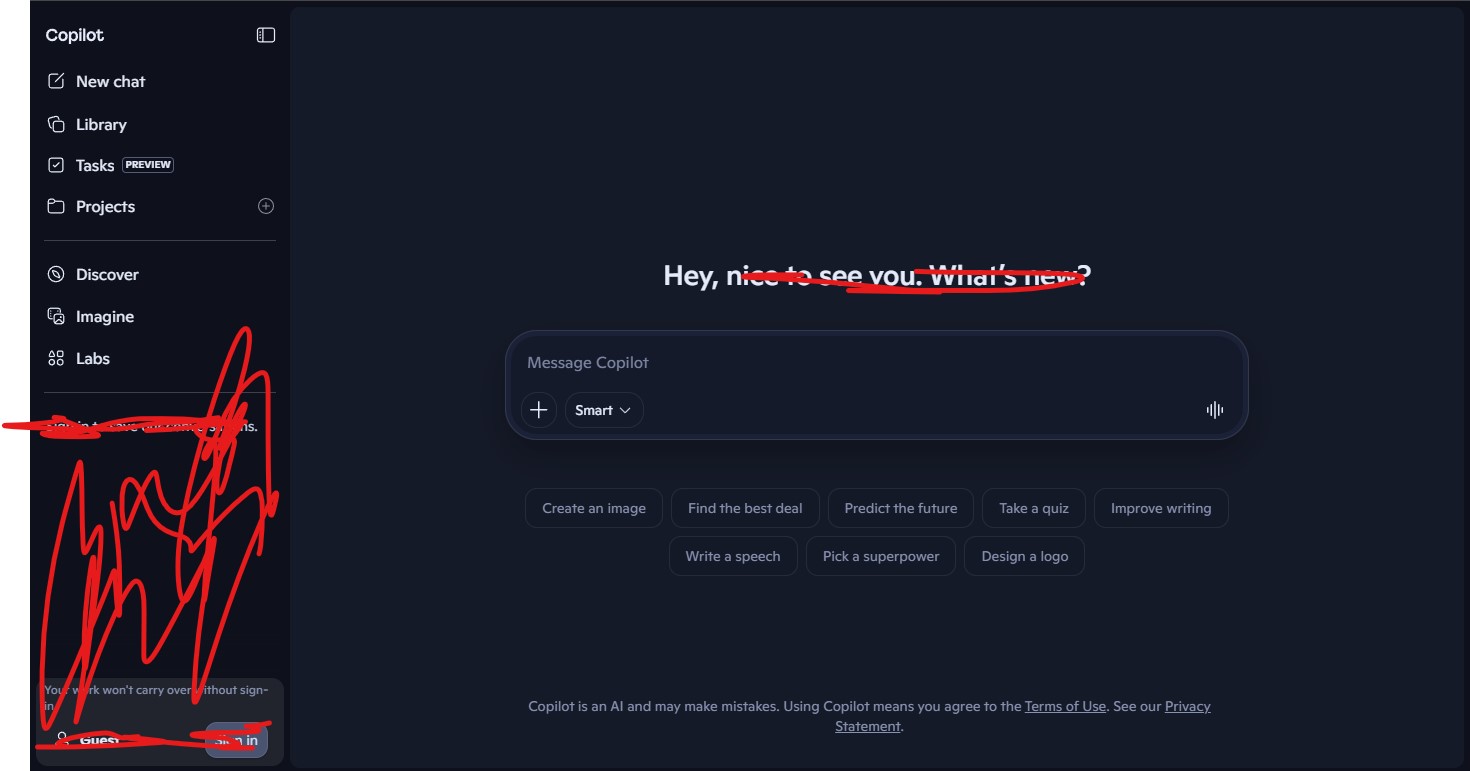
Developed by: Microsoft (powered by GPT-4)
Microsoft Copilot is built on top of OpenAI’s GPT-4 technology but integrates Bing Search to give it real-time web access — completely free, with no usage limits on the core functionality. This was one of the biggest surprises in my 12 months of testing.
What I used it for:
- Researching current topics and news
- Comparing products with up-to-date pricing
- Generating images using the built-in DALL-E 3 integration
- Getting cited, sourced answers to factual questions
The image generation feature (powered by DALL-E 3 via Image Creator) is available for free — a significant perk. I generated dozens of images through Copilot without paying anything.
Where it fell short: Copilot’s responses can feel overly cautious and occasionally add unnecessary disclaimers. For creative or informal tasks, it felt stiffer than ChatGPT or Claude.
Best for: Real-time web research, free image generation, factual Q&A with sources
5. Perplexity AI (Free) — Best for Research and Fact-Checking
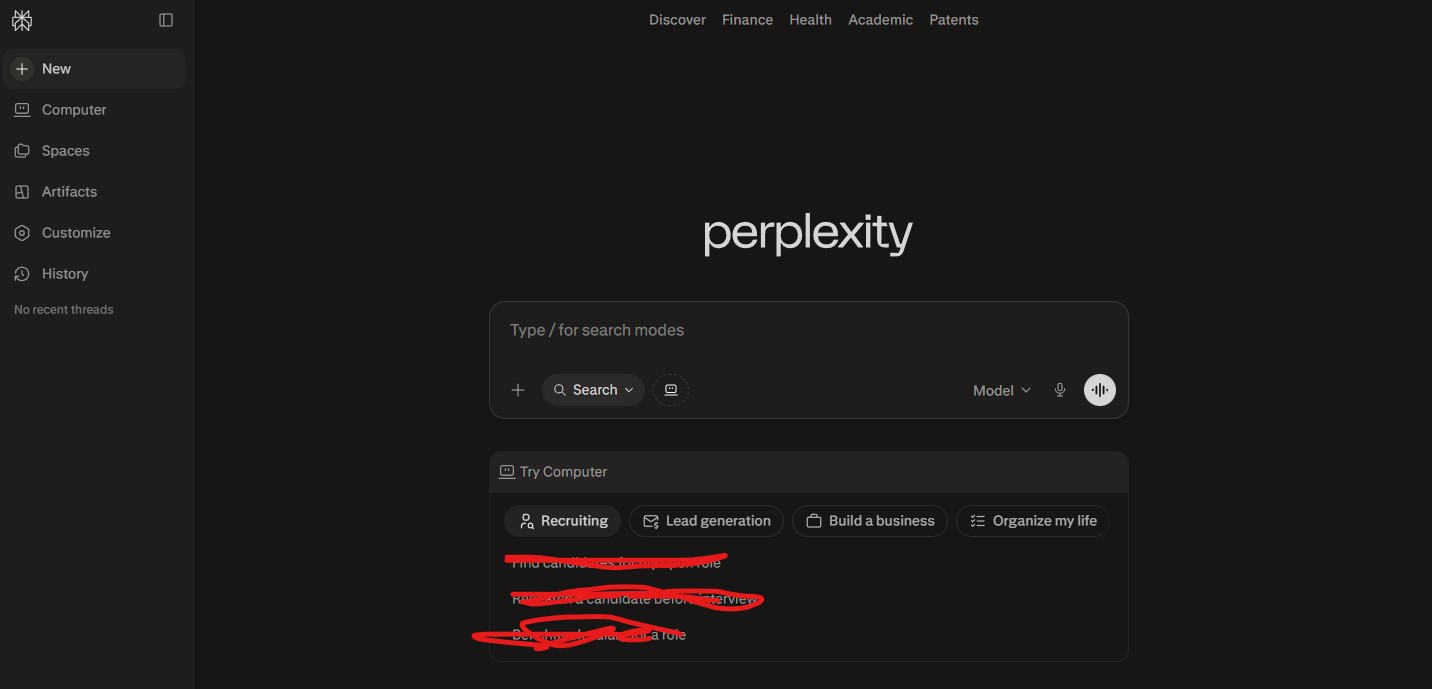
Developed by: Perplexity AI
Perplexity sits in a unique category — it is part AI chatbot, part search engine. Every answer it provides is sourced and cited, with links to the original web pages it pulled information from. I used it heavily throughout the year for research tasks where accuracy and source verification mattered.
What I used it for:
- Academic-style research on specific topics
- Fact-checking claims before publishing content
- Finding up-to-date statistics and data
- Quick, sourced answers to specific questions
The experience is different from a pure AI chatbot like ChatGPT. Perplexity does not excel at creative writing or long-form content generation. But for research, it is the most trustworthy free AI chatbot I tested — you always know where the information came from.
Best for: Research, fact-checking, sourced answers, journalism
6. Meta AI (Free) — Best for Social Media Integration
Developed by: Meta
Meta AI is embedded directly into WhatsApp, Instagram, Facebook, and Messenger — making it the most accessible free AI chatbot for users already active on those platforms. I tested it primarily through WhatsApp and found it surprisingly capable for casual use.
What I used it for:
- Quick questions directly in WhatsApp conversations
- Generating image ideas inside Instagram DMs
- Getting fast, casual answers without switching to another app
The biggest advantage is zero friction — no new app to download, no new account to create. If you are already on Meta’s platforms, the AI chatbot is just there.
Where it fell short: For serious work tasks — writing, analysis, coding — Meta AI is not in the same league as ChatGPT, Claude, or Gemini. It is best suited for quick, casual queries rather than deep work.
Best for: Casual use, social media users, quick in-app queries
Free AI Chatbot Comparison Table
| AI Chatbot | Real-Time Web | Image Generation | Long Documents | Best Use Case | Price |
| ChatGPT | Limited (free) | Limited (free) | Good | General purpose | Free / $8 mo |
| Google Gemini | ✓ Yes | ✓ Yes | Good | Google users | Free / $4.99 mo |
| Claude | ✗ No | ✗ No | Excellent | Writing & analysis | Free / $17 mo |
| Microsoft Copilot | ✓ Yes | ✓ Yes | Good | Research + images | Free / $18 mo |
| Perplexity AI | ✓ Yes | ✗ No | Moderate | Fact-checking | Free / $17 mo |
| Meta AI | ✓ Yes | ✓ Yes | Limited | Social/casual use | Free |
Pros and Cons of Free AI Chatbots
Pros
1. Zero Cost Entry Point
2. Available 24/7, Instantly
3. No Learning Curve for Basic Use
4. Handles a Huge Range of Tasks
5. Constant Improvement
6. Multiple Language Support
Cons
1. Free Plan Usage Limits
2. Accuracy Is Not Guaranteed
3. No Persistent Memory Across Sessions (Most Free Plans)
4. Privacy Considerations
5. Internet Dependency
6. Lacks Deep Specialized Knowledge
Frequently Asked Questions About Free AI Chatbots
Q1: What is the best free AI chatbot in 2025?
Based on 12 months of personal testing, ChatGPT’s free plan is the best overall free AI chatbot for most users — it handles the widest range of tasks reliably and has the most polished conversational experience. For real-time research, Microsoft Copilot is the strongest free option. For long documents and nuanced writing, Claude is exceptional. The “best” tool depends on your specific use case.
Q2: Are free AI chatbots safe to use?
Generally yes, for everyday tasks. However, you should never share sensitive personal data, passwords, financial information, or confidential business details with any AI chatbot. All major platforms collect conversation data to some degree to improve their models. Read the privacy policy of any AI chatbot you use regularly, and treat it the way you would a semi-public tool.
Q3: Can a free AI chatbot replace a human writer?
Not entirely — and I say this after using AI chatbots for writing tasks almost every day for 12 months. Free AI chatbots are excellent writing assistants: they speed up drafting, improve structure, suggest edits, and overcome writer’s block effectively. But they lack genuine personal experience, original opinion, and the kind of authentic voice that makes writing truly compelling. The best results come from using AI as a collaborator, not a replacement.
Q4: Do free AI chatbots have a word or message limit?
Yes. Most free plans impose some form of daily or hourly usage limit. ChatGPT’s free plan limits access to GPT-4o during high-demand periods. Perplexity limits the number of Pro searches per day on the free tier. Claude limits the number of messages per day on free accounts. Exact limits change frequently as platforms update their policies, so check the current terms on each platform’s website.
Q5: Which free AI chatbot is best for students?
From my testing, ChatGPT and Claude are the strongest choices for students. ChatGPT handles a broad range of academic tasks — essay drafting, math explanations, concept summaries, study guides — extremely well. Claude is particularly strong for reading comprehension and analyzing long academic texts. Perplexity is the best choice when source citations are needed for academic work.
Q6: Can I use a free AI chatbot for coding help?
Yes, and this is one of the areas where free AI chatbots deliver exceptional value. ChatGPT is the most widely used free AI chatbot for coding — it handles Python, JavaScript, HTML, SQL, and many other languages competently. It can write code from scratch, debug errors, explain what existing code does, and suggest optimizations. Microsoft Copilot (in the browser) and Claude also handle coding tasks well on their free plans.
Q7: Is Google Gemini better than ChatGPT?
They serve slightly different strengths. In my 12 months of testing, ChatGPT produced more polished, creative text output, while Gemini offered better real-time information access and stronger Google ecosystem integration. For purely creative or writing-heavy tasks, ChatGPT edges ahead. For research requiring current information, Gemini has an advantage. Most power users benefit from having both available and switching based on the task.
Q8: Can free AI chatbots generate images?
Some can. Microsoft Copilot offers free image generation via DALL-E 3 with no subscription required. Google Gemini offers image generation on the free plan with some daily limits. ChatGPT’s free plan has limited image generation access. Meta AI generates images for free within Meta’s social platforms. Midjourney and Adobe Firefly, which are primarily image tools, require paid plans for regular use.
Q9: Do AI chatbots work in languages other than English?
Yes. All major free AI chatbots I tested — ChatGPT, Gemini, Claude, and Copilot — handle multiple languages, including Arabic, Urdu, Spanish, French, Hindi, and many more. English typically produces the strongest results due to training data volume, but the quality in other major languages has improved dramatically and is now quite reliable for everyday use.
Q10: Will free AI chatbots always remain free?
This is genuinely uncertain. The current free tiers are largely competitive moves by major technology companies to attract users. While it is unlikely these tools will disappear entirely from the free tier, the capability gap between free and paid plans may grow over time as more advanced features are locked behind subscriptions. The smart approach is to make the most of what is available now while being prepared to evaluate paid plans if your needs grow.
Final Verdict: Which Free AI Chatbot Should You Use?
After 12 months of hands-on testing across every major free AI chatbot, my honest recommendation is this: do not pick just one.
Each tool has a specific strength that the others do not fully replicate. Here is how I personally divide my usage:
- ChatGPT — everyday writing, drafting, brainstorming
- Claude — long documents, nuanced analysis, editorial writing
- Microsoft Copilot — real-time research, free image generation
- Perplexity — fact-checking and sourced research
- Google Gemini — anything inside Google Workspace
All of them are free. All of them are genuinely useful. The biggest mistake you can make is spending time debating which one to try instead of simply opening one and starting.
The free AI chatbot landscape in 2025 is extraordinary compared to what existed even two years ago. If you have not yet built one into your daily workflow, the barrier to entry has never been lower — and the potential to save time, improve your work, and learn faster has never been higher.
Start today. Pick any tool from this list. Type your first prompt. You will understand within minutes why over a billion people now use AI chatbots every month.
My Rating: 8.8/10
James Eco is an AI tools researcher and content
creator with 3+ years of experience testing and
reviewing AI tools for creators and businesses.
At Get AI Craftly, he provides honest, hands-on
reviews to help readers choose the best AI tools.