My Honest Experience After 10 Months of Using Ideogram AI
I tested Ideogram AI extensively over the last 10 months, from generating social media graphics and logo concepts to creating poster designs, product mockups, and typographic artwork. I used it across multiple projects, both personal and client-facing, and compared it side by side with other major AI image generators. What you are about to read is not a surface-level overview pulled from a product page. This is a detailed Ideogram review built entirely on hands-on, real-world usage — the wins, the frustrations, and everything in between.
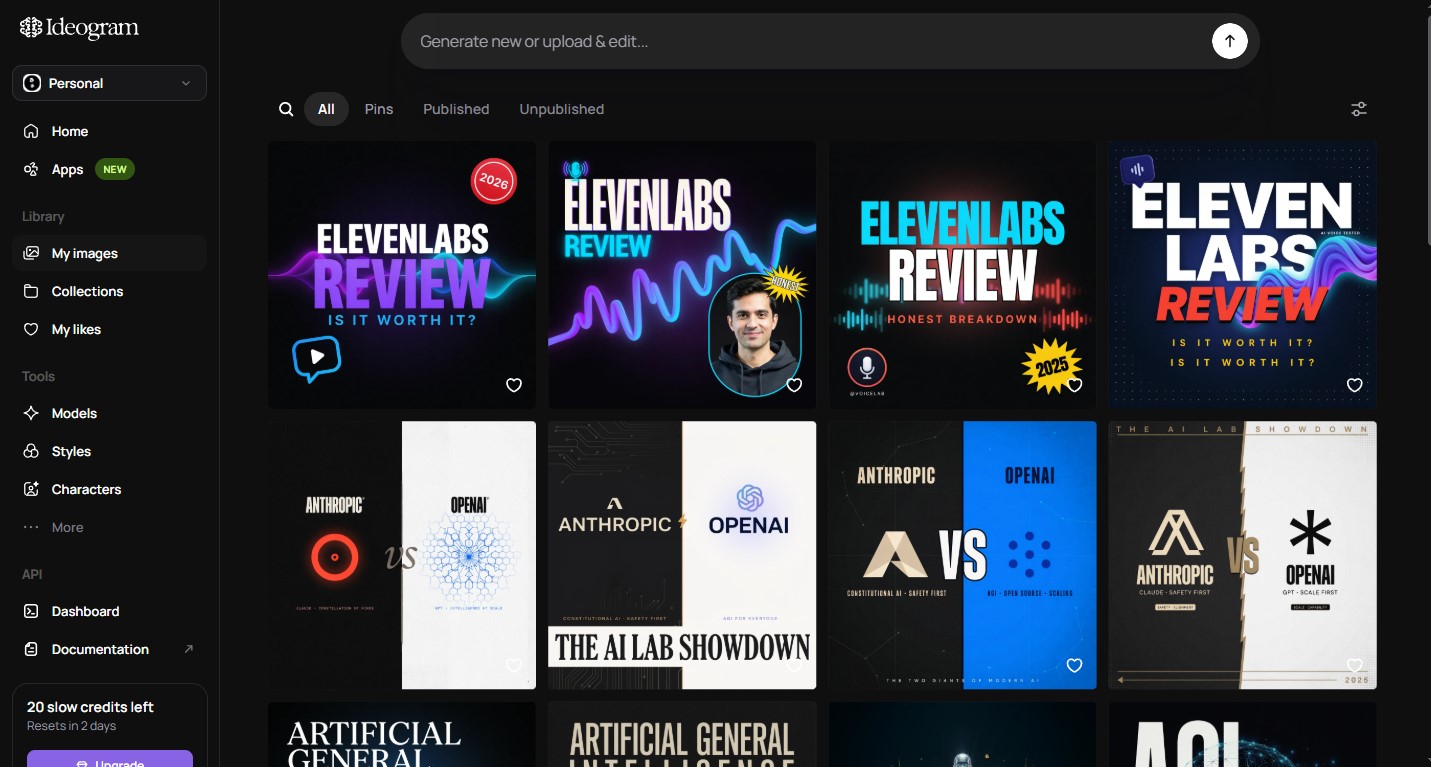
When I first started using Ideogram in early 2024, it was already turning heads for one specific reason: it could actually render readable text inside images. That sounds like a small thing until you realize how badly every other AI image generator fails at it. That first impression led me to explore Ideogram far more deeply than I originally planned — and 10 months later, I still use it regularly alongside other tools.
What Is Ideogram AI?
Ideogram AI is an AI-powered image generation platform founded in 2023 by a team of former Google Brain researchers. Unlike general-purpose AI image tools, Ideogram was built from the ground up with a specific emphasis on typography and text rendering — the ability to generate images that contain legible, stylistically accurate text.
The platform is accessible via web browser at ideogram.ai and requires no software installation. You type a prompt, choose a style, and Ideogram generates multiple image variations in seconds.
As of 2025, Ideogram has released several major model updates — including Ideogram 2.0 and Ideogram 2.0 Turbo — which significantly improved image quality, realism, and prompt accuracy compared to the original model I tested when I first signed up.
Ideogram AI Key Features
Before diving into my detailed Ideogram review, here is a quick overview of the platform’s core features:
- Text-to-image generation with advanced typography support
- Multiple style presets: Realistic, Design, 3D, Anime, and more
- Magic Prompt: An AI feature that automatically enhances your prompt for better results
- Remix: Upload an existing image and regenerate variations of it
- Inpainting (Edit): Select a specific area of a generated image and regenerate just that section
- Negative prompts: Tell the AI what to exclude from the image
- Aspect ratio control: Portrait, landscape, square, and custom ratios
- Prompt strength slider: Control how closely the output follows your prompt
- Private generation: Keep your images hidden from the public gallery (paid feature)
Ideogram Review: What I Actually Tested
Text Rendering — The Feature That Sets Ideogram Apart
This is where Ideogram genuinely leads the entire industry. Over 10 months of testing, I generated hundreds of images containing text — poster headlines, logo wordmarks, motivational quote graphics, product labels, storefront signage, and social media call-to-action overlays.
The results were consistently impressive. When I prompted Ideogram to generate a coffee shop poster with the words “Fresh Brewed Daily” in a handwritten style, it produced exactly that — readable, stylistically appropriate, and properly placed within the composition. I ran the same prompt through Midjourney and DALL-E 3 for comparison. Midjourney produced garbled characters. DALL-E 3 handled it better, but the typography felt stiff and out of place.
In my testing, Ideogram rendered accurate text in roughly 85–90% of attempts when the prompt was clear and the text was kept to a reasonable length (under 8–10 words). Longer text strings or complex multi-line layouts reduced accuracy noticeably, but even then, Ideogram outperformed every other tool I tested.
Bottom line from 10 months of use: If text accuracy in AI images matters to your work, Ideogram is not just good — it is the only serious option right now.
Image Quality and Realism
When Ideogram 2.0 launched, it marked a major leap in photorealistic output. I tested it extensively for product photography mockups and lifestyle imagery.
The results are genuinely impressive for an AI tool. Skin textures, lighting behavior, and material detail (fabric, metal, glass) all render with a level of realism that is now competitive with Midjourney v6. There are still occasional artifacts — unnatural hand positioning, inconsistent background depth — but these are becoming less frequent with each model update.
For stylized content (3D renders, illustrations, anime-style art), Ideogram’s style presets work well and consistently. The “Design” preset in particular is excellent for creating social media graphics and marketing visuals with a clean, editorial aesthetic.
Magic Prompt — Does It Actually Help?
Magic Prompt is Ideogram’s built-in prompt enhancement feature. When enabled, it rewrites and expands your prompt before sending it to the model, adding descriptive detail that typically improves image quality.
I tested this feature across 50+ prompts over several months, comparing Magic Prompt on vs. off for the same inputs. My honest finding: Magic Prompt helps about 70% of the time, particularly for users who are new to prompt writing or who provide very short, vague inputs. It occasionally over-interprets a prompt and takes the image in a direction you did not want — but you can always regenerate.
For experienced prompt writers, I found it useful to turn Magic Prompt off and write detailed prompts manually. You get more predictable, controlled results that way.
Remix and Inpainting Features
The Remix feature lets you upload any image — your own photo, a previous generation, or even a screenshot — and use it as a visual reference while generating new variations. I used this extensively for creating product mockup series where I needed visual consistency across multiple images.
The Inpainting (Edit) tool allows you to select a specific region of a generated image and regenerate just that area using a new prompt. This is useful for fixing small issues — an awkward hand, a background element you do not like, or text that did not render correctly.
Both features worked well in my testing, though Inpainting can sometimes produce inconsistent lighting or edges where the edited region meets the original image. It is good enough for most use cases but not flawless.
Speed and Interface
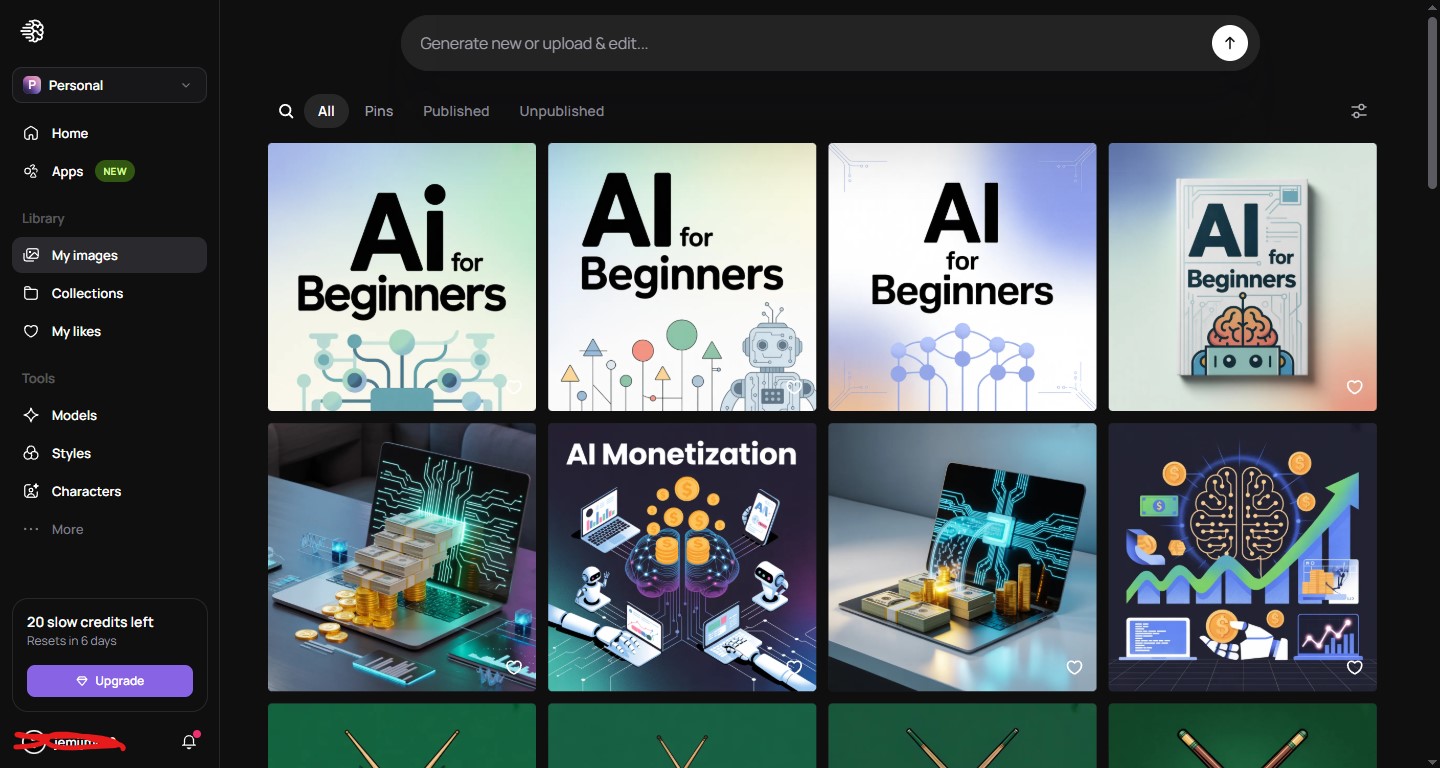
Ideogram’s web interface is clean and easy to navigate. Prompt input is front and center, style options are clearly laid out, and generated images appear in a scrollable grid below your input.
Generation speed depends on your plan. On the free plan, standard generation takes 15–30 seconds. With a paid plan and the Turbo model enabled, generation time drops to 5–10 seconds — a meaningful difference when you are iterating through multiple variations.
The public gallery (where other users’ generations appear) is a genuinely useful feature for inspiration. You can browse prompts and images from other users, click on any image to see the exact prompt used, and remix it directly. I found this extremely helpful during my first few months of learning what kinds of prompts produce great results.
Ideogram Pricing: Free vs. Paid Plans
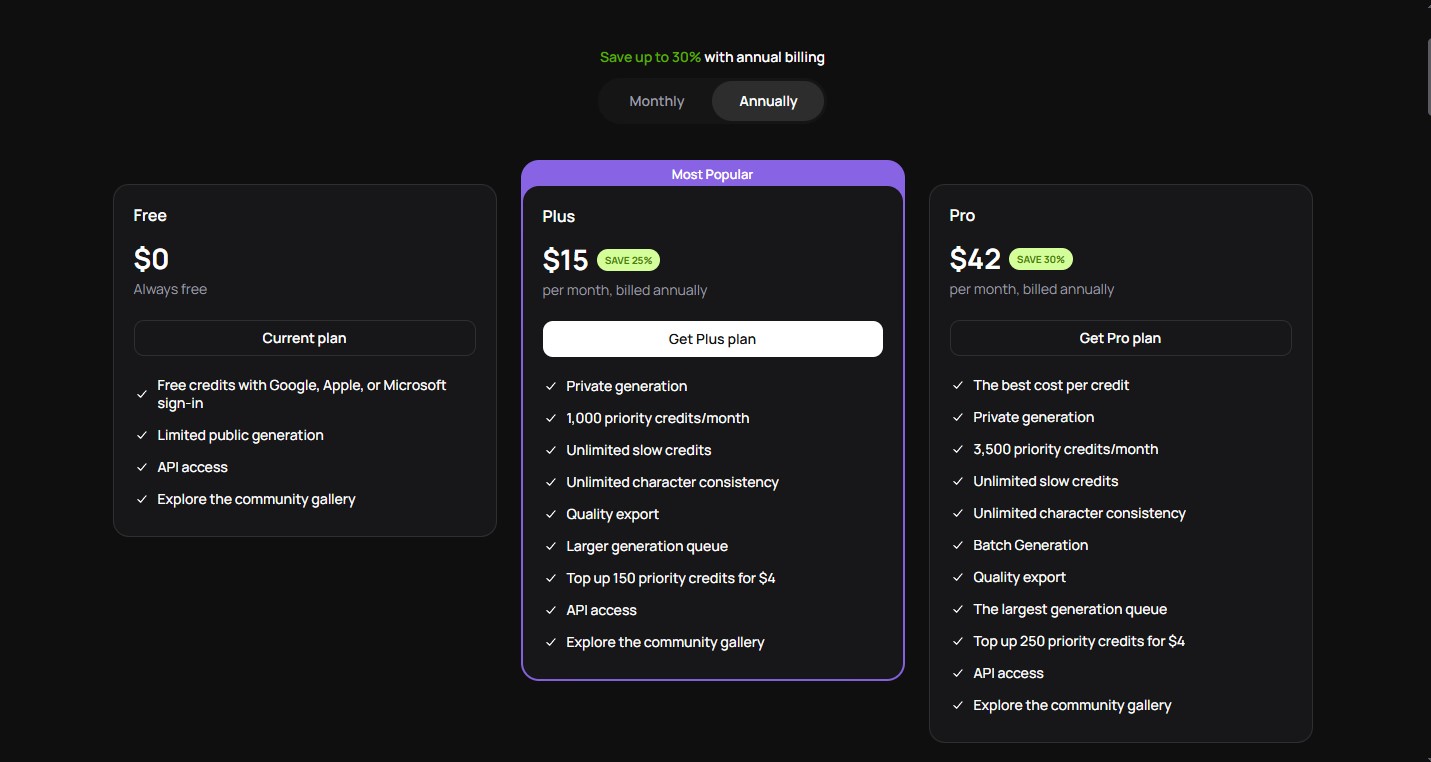
Here is how Ideogram’s pricing breaks down as of 2025:
| Plan | Price | Monthly Generations | Private Images | Features |
| Free | $0 | 10 slow generations/day | ✗ | Basic access, public gallery |
| Basic | $7/month | 400 priority generations | ✓ | Priority speed, private mode |
| Plus | $20/month | 1,000 priority generations | ✓ | Faster queue, all features |
| Pro | $60/month | 3,000 priority generations | ✓ | Max speed, highest limits |
I used the free plan for the first month and the Basic plan after that. For most individual creators and small business owners, the Basic plan at $7/month is the sweet spot — it gives you enough generations for regular use, priority speed, and private image mode, all at a very reasonable price point.
Ideogram Pros and Cons
Pros
1. Best-in-Class Text Rendering
2. Clean, User-Friendly Interface
3. Very Affordable Entry Point
4. Excellent Style Presets
5. Inspiring Public Gallery
6. Consistent Model Improvements
Cons
1. Limited Free Plan
2. Text Accuracy Drops With Complexity
3. No Desktop or Mobile App
4. Public Gallery Privacy (Free Plan)
5. Less Community and Resource Library Compared to Midjourney
6. Occasional Prompt Misinterpretation
Ideogram Alternatives Worth Considering
Ideogram is excellent for its specific strengths, but depending on your use case, one of these alternatives may serve you better.
1. Midjourney
Best for: Artistic, high-aesthetic image generation
Midjourney remains the gold standard for artistic AI imagery. Its v6 model produces images with a visual sophistication that still edges out Ideogram for purely artistic or editorial content. However, Midjourney still struggles significantly with text rendering, and it requires Discord to access (no standalone web app). Pricing starts at $10/month.
2. DALL-E 3 (via ChatGPT)
Best for: Users already using ChatGPT who need integrated image generation
DALL-E 3, integrated into ChatGPT, handles text rendering better than Midjourney but not as well as Ideogram. Its biggest advantage is conversational refinement — you can chat with ChatGPT to iterate on your image prompt naturally. Available with ChatGPT Plus at $20/month.
3. Adobe Firefly
Best for: Commercial-safe image generation within the Adobe ecosystem
Adobe Firefly is trained entirely on licensed Adobe Stock images, making it a strong choice for commercial use where copyright concerns are paramount. Its text effects feature is impressive, and integration with Photoshop and Illustrator makes it ideal for professional designers. Available with Creative Cloud plans or as a standalone with limited free credits.
4. Stable Diffusion (via DreamStudio or local install)
Best for: Power users who want full control and customization
Stable Diffusion is open-source and offers the most customization of any AI image generator — custom models, LoRAs, ControlNet, and more. The learning curve is steep, and text rendering requires specific workarounds. Best suited for technically inclined users who want maximum flexibility. DreamStudio (the official web interface) offers pay-as-you-go pricing.
5. Leonardo AI
Best for: Game asset creation and character consistency
Leonardo AI is a strong Ideogram alternative for creators working in gaming, digital art, and character design. It offers a generous free plan, good image quality, and features like consistent character generation across multiple images — something Ideogram does not yet handle as well.
Frequently Asked Questions — Ideogram Review
Q1: Is Ideogram AI free to use?
Yes. Ideogram offers a free plan that includes 10 slow-speed image generations per day. All free-plan images are public by default, meaning they appear in the community gallery. For private generations and faster speeds, a paid plan starting at $7/month is required. The free plan is a good way to test the platform before committing.
Q2: What makes Ideogram different from Midjourney or DALL-E?
The primary differentiator is text rendering. Ideogram was specifically built to generate images with readable, accurate text embedded in them — something Midjourney consistently fails at and DALL-E handles only partially. If your work involves any kind of typographic design within AI images, Ideogram is in a class of its own.
Q3: Can I use Ideogram images commercially?
Yes. Ideogram’s terms of service allow commercial use of generated images for paid plan subscribers. Free plan users should review the current terms carefully, as commercial rights on free-tier content may have limitations. Always check the latest terms at ideogram.ai before using images for commercial purposes, as these policies can be updated.
Q4: How accurate is Ideogram at rendering text in images?
In my 10 months of testing, Ideogram rendered text accurately in roughly 85–90% of attempts when the prompt was clear and the requested text was concise (under 8–10 words). Accuracy drops with longer strings, unusual fonts, or complex multi-line layouts. Generating 3–4 variations of the same prompt and selecting the best result is a reliable strategy for getting clean text output.
Q5: Does Ideogram have an API?
Yes. Ideogram offers an API for developers who want to integrate its image generation capabilities into their own applications or workflows. API access is available on higher-tier plans, and pricing is based on generation volume. This makes Ideogram a viable option for building AI-powered design tools or automating image creation pipelines.
Q6: Is Ideogram good for logo design?
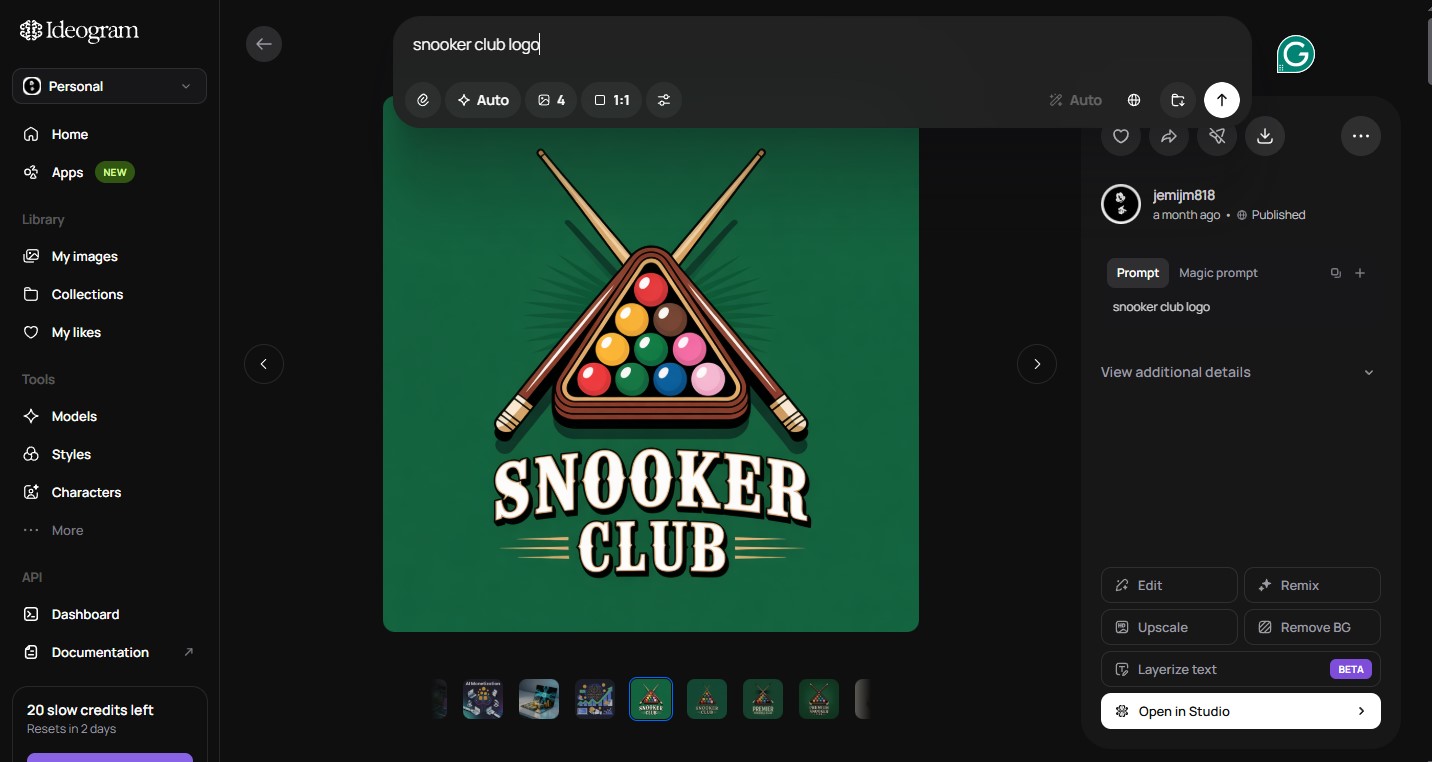
Ideogram is one of the better AI tools for logo concept generation, largely because of its text rendering capabilities. You can generate logo concepts with your brand name accurately displayed in various styles. However, the output is raster-based (not vector), which means you will need to manually recreate the final logo in a vector tool like Adobe Illustrator or Figma for professional use. Think of Ideogram as a concept and inspiration tool for logo work rather than a final production tool.
Q7: How does Ideogram handle portrait and product photography?
With the Ideogram 2.0 model, portrait and product photography quality has improved significantly. Skin detail, lighting, and material textures are now genuinely impressive for an AI tool. I used Ideogram for product mockup generation throughout my 10 months of testing and found it reliable for creating clean, commercial-style product visuals — particularly for social media and website use.
Q8: Can I upload my own images to Ideogram?
Yes. The Remix feature allows you to upload an image and use it as a reference for generating new variations. You can also use the Inpainting (Edit) feature to select and regenerate specific parts of an existing image. These features work for both images you have generated in Ideogram and photos or designs you upload from your device.
Q9: What is Magic Prompt and should I use it?
Magic Prompt is Ideogram’s built-in AI feature that automatically expands and enriches your prompt before generation, adding descriptive detail to improve results. In my testing, it helps most when you are writing short or vague prompts. If you are an experienced prompt writer, turning it off gives you more direct control over the output. You can toggle it on or off for each generation — I recommend experimenting with both settings to see which works better for your specific prompts.
Q10: Is Ideogram suitable for beginners with no design experience?
Absolutely. Ideogram is one of the most beginner-friendly AI image generators available. The interface is clean and simple, the style presets handle a lot of the heavy lifting, and the public gallery provides immediate inspiration and prompt ideas. In my experience, someone with zero design background can produce professional-looking marketing graphics within their first 30 minutes of using the platform.
Final Verdict: Is Ideogram Worth It?
After 10 months of daily and weekly use across dozens of real-world projects, my answer is a clear yes — with one important caveat.
Ideogram is the best AI image generator specifically for text-heavy designs, marketing graphics, and typographic content. Nothing else comes close to its text rendering accuracy, and at $7/month for the Basic plan, it is priced fairly for the value it delivers.
If your work is purely artistic — painterly illustrations, cinematic scenes, abstract compositions — Midjourney may still edge Ideogram out on raw aesthetic quality. But for anyone creating social media content, posters, product visuals, logo concepts, or branded marketing materials, Ideogram belongs in your toolkit.
It is not perfect. The free plan is limited, text rendering still requires iteration, and there is no desktop app. But the development pace is fast, the model quality keeps improving, and the core value proposition — an AI image generator that can actually read — remains uniquely powerful.
Start with the free plan, spend a few days exploring the gallery and experimenting with prompts, and you will quickly understand why Ideogram has built such a loyal user base. For most content creators and marketers, the Basic plan upgrade will feel justified within the first week.
James Eco is an AI tools researcher and content
creator with 3+ years of experience testing and
reviewing AI tools for creators and businesses.
At Get AI Craftly, he provides honest, hands-on
reviews to help readers choose the best AI tools.