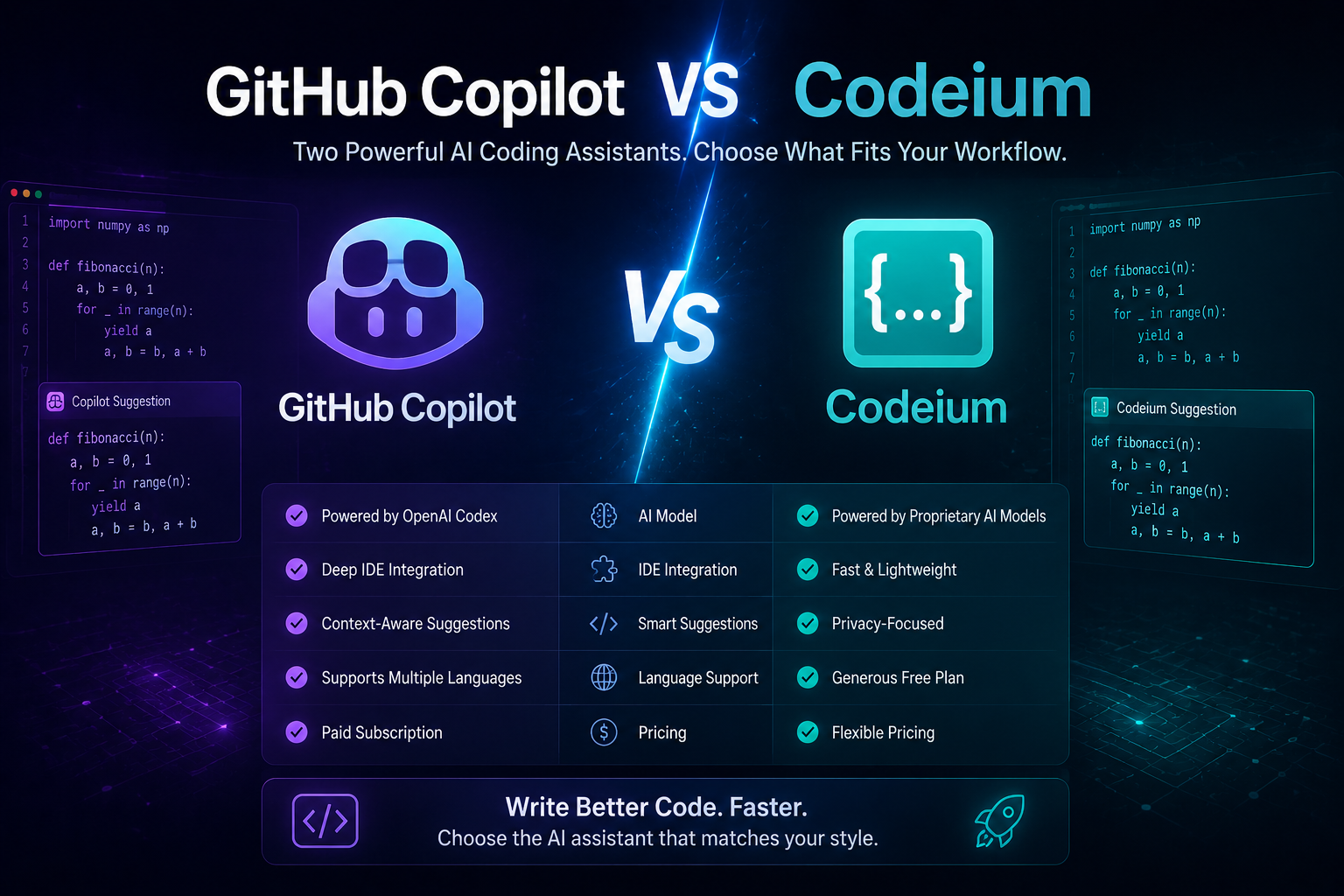
One of the most frequent choices developers make in 2026 is between Codeium and GitHub Copilot. Both have chat capabilities, multilingual support, and AI-powered code completions, but they handle cost, privacy, and power quite differently.
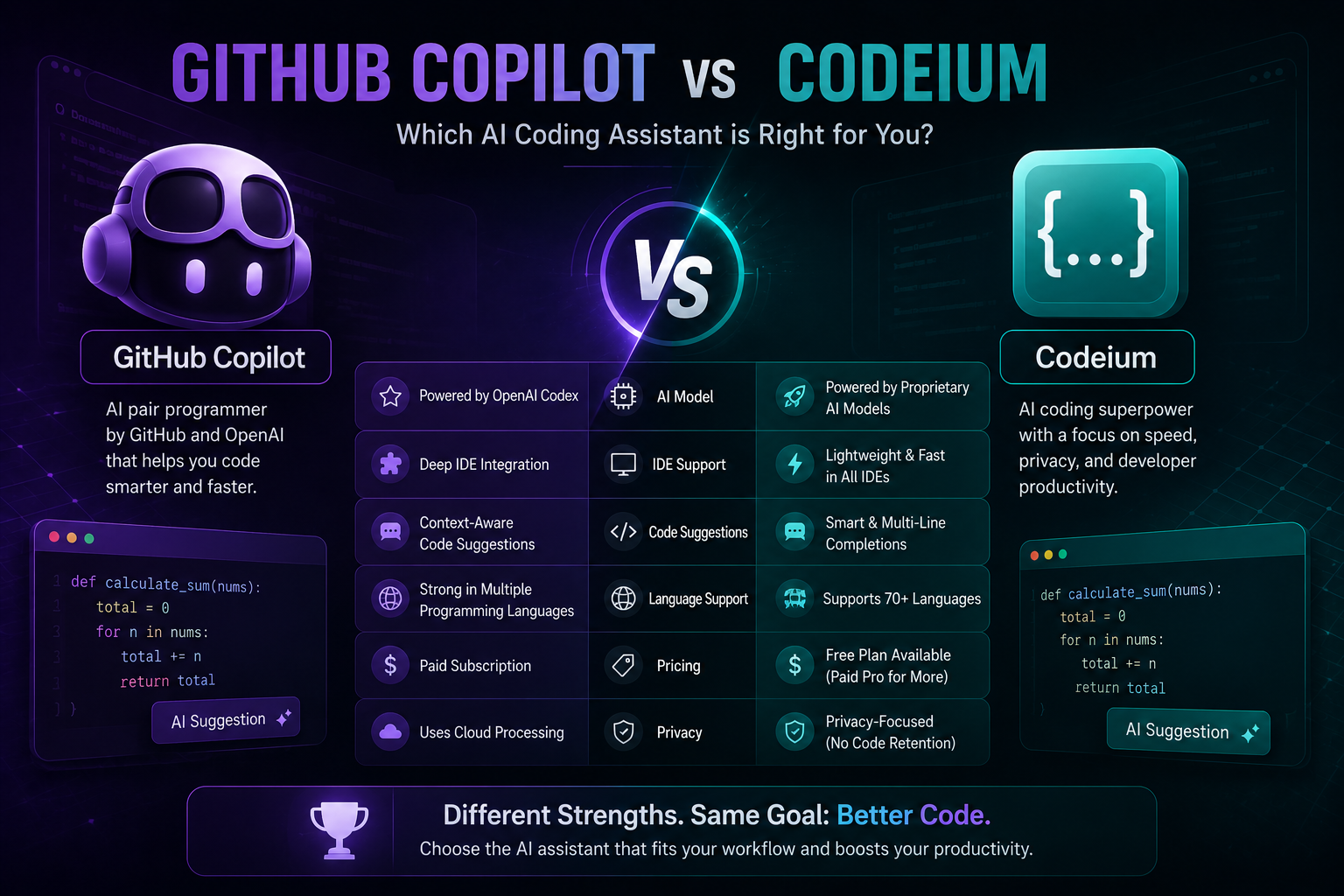
The main debate between GitHub Copilot and Codeium is whether you choose a really free option that protects your data privacy or the most sophisticated AI coding experience supported by Microsoft’s resources. To assist you in making a decision, we have thoroughly tested both on actual projects.
GitHub Copilot in 2026: What You Get
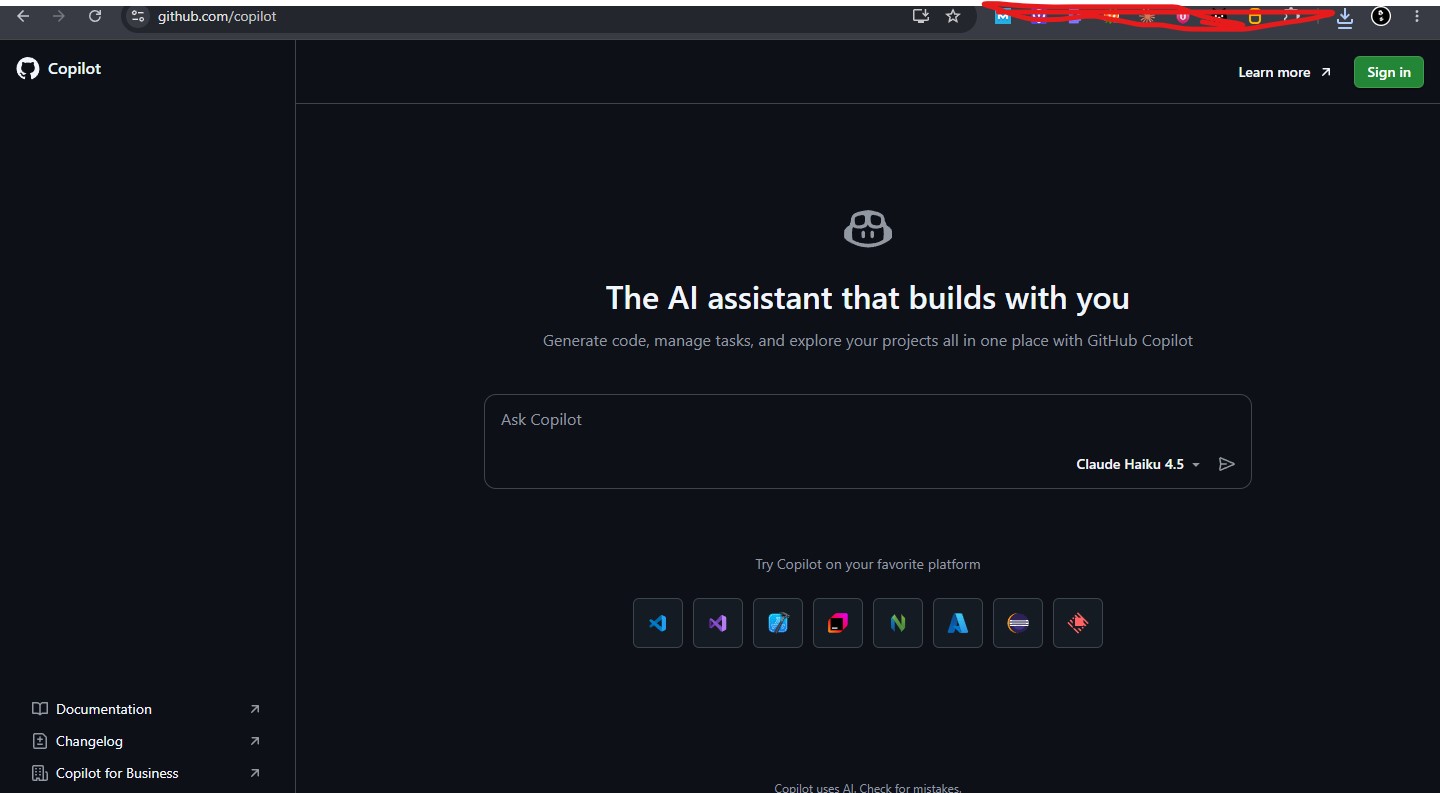
Ninety percent of Fortune 100 firms use GitHub Copilot, which has over 20 million users. By 2026, it will be more than simply an autocomplete tool; it will be a comprehensive AI coding platform with chat, multi-file editing, inline completions, and agent mode for challenging assignments.
Context awareness has improved the most during the last 12 months. Copilot now reads your documentation, comprehends your complete project structure, and takes your coding patterns into account when generating recommendations. Although it still requires human supervision for anything complicated, the agent mode can construct complete features, perform tests, and even open pull requests.
Copilot’s Strengths
- Suggestion quality: Powered by OpenAI’s latest models, Copilot consistently delivers the most accurate and contextually aware completions
- GitHub integration: PR reviews, security scanning, and audit trails built directly into your workflow
- Multi-IDE support: Works in VS Code, all JetBrains IDEs, Neovim, and Visual Studio
- Agent mode: Can handle multi-step tasks across your codebase autonomously
- Enterprise features: SSO, compliance controls, IP indemnity for businesses
Copilot’s Weaknesses
- No truly free tier: The free plan is limited — serious developers will hit the ceiling quickly
- Privacy concerns: Your code is processed through Microsoft’s cloud (though enterprise plans offer data exclusion)
- Occasional hallucinations: Can suggest outdated APIs or subtly incorrect patterns
- Cost adds up for teams: At $19/user/month for Business, a 20-person team pays $4,560/year
Codeium in 2026: The Free Alternative
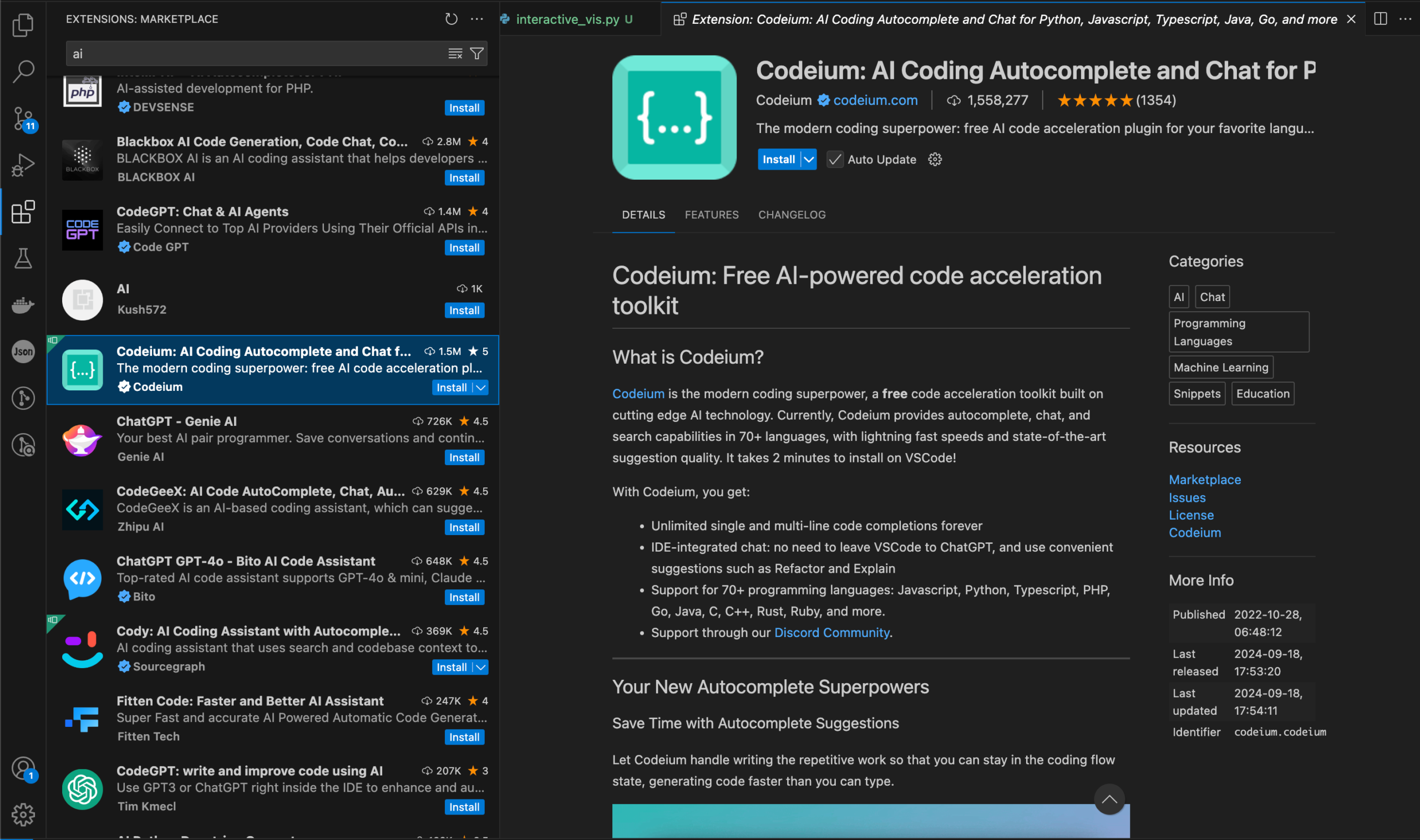
Codeium markets itself as Copilot’s developer-friendly substitute. What’s its killer feature? A really free individual tier with no usage restrictions and an infinite number of code completions. Codeium completely eliminates the financial barrier for developers whose companies won’t accept a monthly membership or who can’t justify one.
However, Codeium is more than just “free Copilot.” Its distinctive features include fast, lightweight completions, extensive IDE compatibility (more than 40 editors), and privacy. Its creators have been continuously raising the caliber of suggestions, and by 2026, it will be more than just a low-cost backup.
Codeium’s Strengths
- Completely free: Unlimited completions for individual developers — no credit card required
- Privacy-first: Never trains on your code, doesn’t store your snippets, offers self-hosted enterprise deployment
- Massive IDE support: Works in 40+ editors including VS Code, JetBrains, Neovim, Vim, Emacs, Eclipse, and more
- Fast completions: Lightweight architecture means suggestions appear quickly even on modest hardware
- No vendor lock-in: Easy to switch away if you find something better
Codeium’s Weaknesses
- Less contextually aware: Suggestions aren’t as deeply integrated with your project structure as Copilot’s
- Chat is less polished: The conversational AI features lag behind Copilot’s Chat and agent mode
- Smaller community: Fewer tutorials, extensions, and community resources available
- Enterprise pricing unclear: Team and enterprise plan details aren’t as transparent as Copilot’s
Suggestion Quality: Where Copilot Pulls Ahead
GitHub Copilot continuously generated more precise and contextually appropriate recommendations during our testing. In complicated situations, the difference is particularly apparent:
- Multi-file awareness: Copilot is aware of your project’s imports, types, and function signatures. Codeium usually concentrates on the active file.
- Pattern matching: Copilot recognizes your coding style more quickly and more faithfully replicates your conventions.
- Complex completions: Copilot’s recommendations are more likely to be accurate the first time around for multi-line function implementations.
- Documentation generation: Copilot produces more precise and in-depth docstrings and comments.
Nevertheless, the difference has considerably decreased. Both tools work similarly for simple completions, such as generating boilerplate, finishing a line, or finishing a common pattern. Complex codebases and edge cases are where the difference manifests.
Privacy and Data Handling
This is where Codeium truly prevails. Codeium’s methodology is essentially different if you work on proprietary code, contribute to delicate projects, or just value data sovereignty:
- Codeium: does not specifically use your code to train models. provides self-hosted enterprise deployment so that your infrastructure’s code never leaves it.
- Copilot: uses Microsoft’s cloud to process code. While individual and business plans submit your code to OpenAI’s servers, enterprise plans provide data exclusion.
This distinction may be crucial for developers working in regulated sectors like government, healthcare, and finance. Although many compliance control issues are addressed by Copilot’s business layer, the self-hosted alternative with Codeium offers the highest level of assurance.
IDE and Workflow Integration
Although both programs work with the most widely used editors, Codeium is superior in terms of breadth and Copilot is superior in terms of depth.
- Copilot works with Visual Studio, Neovim, all JetBrains IDEs, and Visual Code. With extensive integration into the editor’s user interface, sidebar chat, and inline suggestions, the Visual Studio Code experience is the most refined. Although it has greatly improved in 2026, the JetBrains integration still feels a little out of place.
- Codeium supports more than 40 editors, including specialized options like Jupyter Notebooks, Emacs, Vim, and Eclipse. Codeium is perhaps your only option for an AI coding assistant if you use a rare editor. See our best free IDEs 2026 guide for a more comprehensive comparison of these tools in the editing landscape.
Pricing Breakdown: The Real Cost
Solo Developer:
• Codeium: $0/month
• Copilot: $10/month ($120/year)
10-Person Team (annual):
• Codeium: Contact sales (likely competitive)
• Copilot Business: $2,280/year
20-Person Team (annual):
• Copilot Business: $4,560/year
• Copilot Enterprise: $9,360/year
It’s difficult to argue with Codeium’s free tier for individual devs. Is it worth $120 a year even if Copilot makes 10–15% more suggestions? For many developers, especially students, hobbyists, and those in markets where $10/month is substantial — no.
The calculus is different for teams. Beyond code completions, Copilot’s enterprise governance capabilities, security scanning, and GitHub integration provide value. It then becomes a matter of whether Codeium’s enterprise product can provide those capabilities at a more affordable cost.
Who Should Use Which?
Choose GitHub Copilot If:
- You’re already deep in the GitHub ecosystem
- You need the best possible suggestion quality
- Your team needs enterprise governance and compliance features
- You want agent mode for complex multi-step tasks
- $10/month is a trivial expense for the productivity gain
Choose Codeium If:
- You want completely free AI coding assistance with no strings attached
- Privacy and data sovereignty are non-negotiable
- You use a niche IDE that Copilot doesn’t support
- You’re evaluating AI coding tools and don’t want a financial commitment
- Your company requires self-hosted deployment
Consider Both If:
When they require more in-depth AI interaction, some developers utilize Copilot’s chat features and employ Codeium as their main completion engine (free, quick, and private). Although maintaining two AI tools can occasionally lead to disagreements, this hybrid strategy offers you the best of both worlds.
See our thorough guide to the top AI coding assistants for 2026 for further AI coding solutions, such as Cursor and Windsurf. Additionally, our Cursor vs. GitHub Copilot comparison explains the IDE-level distinctions if you’re directly examining Cursor’s methodology.
FAQ
Is Codeium really free?
Yes. For individual coders, Codeium provides truly infinite code completions at no cost. There are no usage limits, no credit card requirements, and no trial period. Individual users benefit from a fully functional free tier because the company makes money through team and enterprise solutions.
Is GitHub Copilot worth $10/month?
Yes, for the majority of professional coders. The $10 investment is insignificant because the productivity advantages from improved suggestions, agent mode, and GitHub integration easily save more than 30 minutes each month. The free tier of Codeium is an excellent substitute for hobbyists and students.
Can I use both Copilot and Codeium together?
Yes, in theory, but it’s not advised. Conflicts, redundant suggestions, and greater resource consumption can result from running two AI completion engines concurrently. Before making a decision, test each one independently for a week if you want to try both.
Which is better for Python development?
GitHub Copilot’s training data and context awareness give it a little advantage over Python. Nonetheless, Codeium works well with popular Python frameworks and paradigms. See our article to the best IDE for Python 2026 for language-specific IDE recommendations.
Does Codeium work with JetBrains IDEs?
All of the main JetBrains IDEs, such as IntelliJ IDEA, PyCharm, WebStorm, and GoLand, are supported by Codeium. The JetBrains plugin marketplace makes installation simple.

James Eco is an AI tools researcher and content
creator with 3+ years of experience testing and
reviewing AI tools for creators and businesses.
At Get AI Craftly, he provides honest, hands-on
reviews to help readers choose the best AI tools.