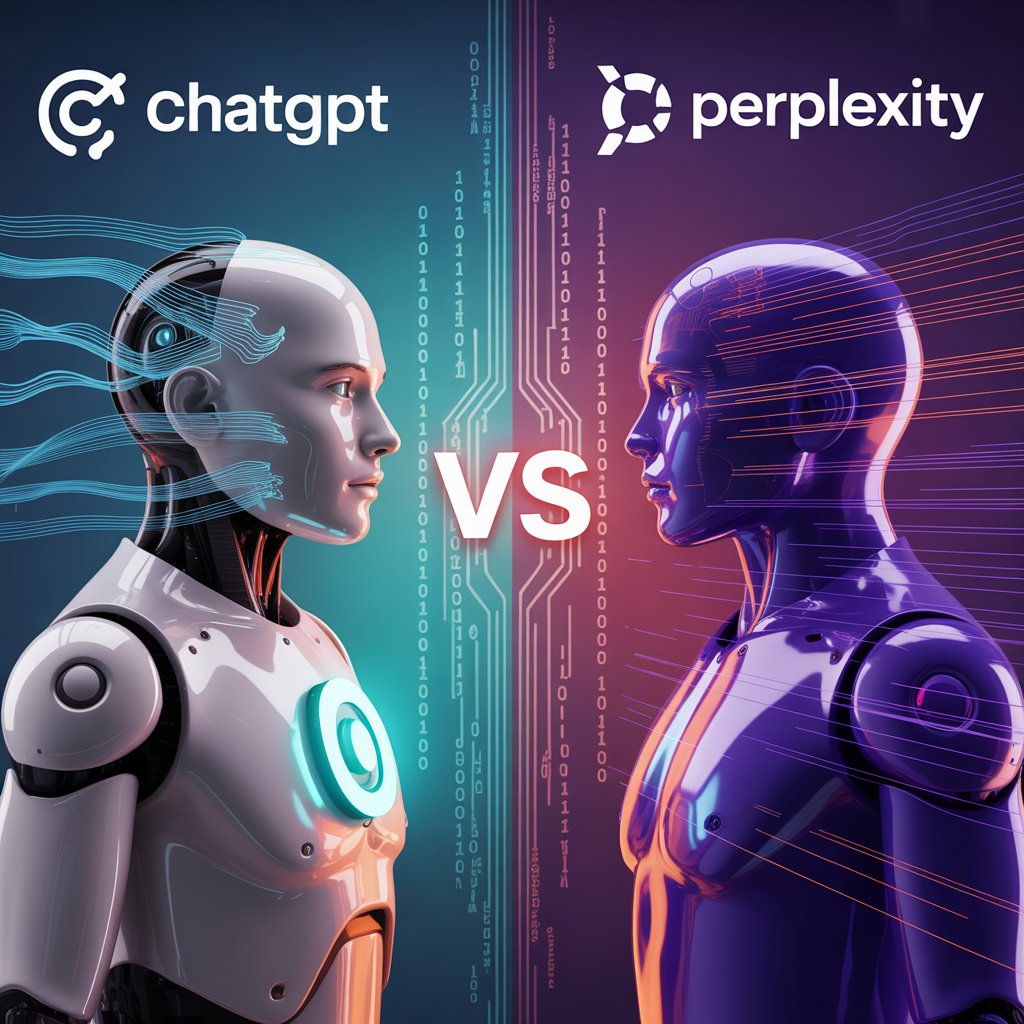
My Honest Experience After 17 Months of Using Both
I tested ChatGPT vs Perplexity side by side over the last 17 months, not casually, not for a quick demo, but daily across real work projects that had actual deadlines and real consequences. I used both tools for content writing, market research, competitor analysis, fact-checking, code debugging, email drafting, brainstorming, and deep-dive topic exploration. I ran the same prompts through both, compared outputs line by line, and kept notes on where each tool succeeded and where it quietly let me down.
The ChatGPT vs Perplexity debate comes up constantly in conversations about AI productivity tools — and most of the opinions I see online come from people who have used one tool lightly for a few weeks. After 17 months of serious, daily usage of both, I can give you a comparison that is grounded in real experience rather than feature list marketing. By the end of this guide, you will know exactly which tool fits your workflow — and why the answer might not be as simple as picking one over the other.
What Is ChatGPT?
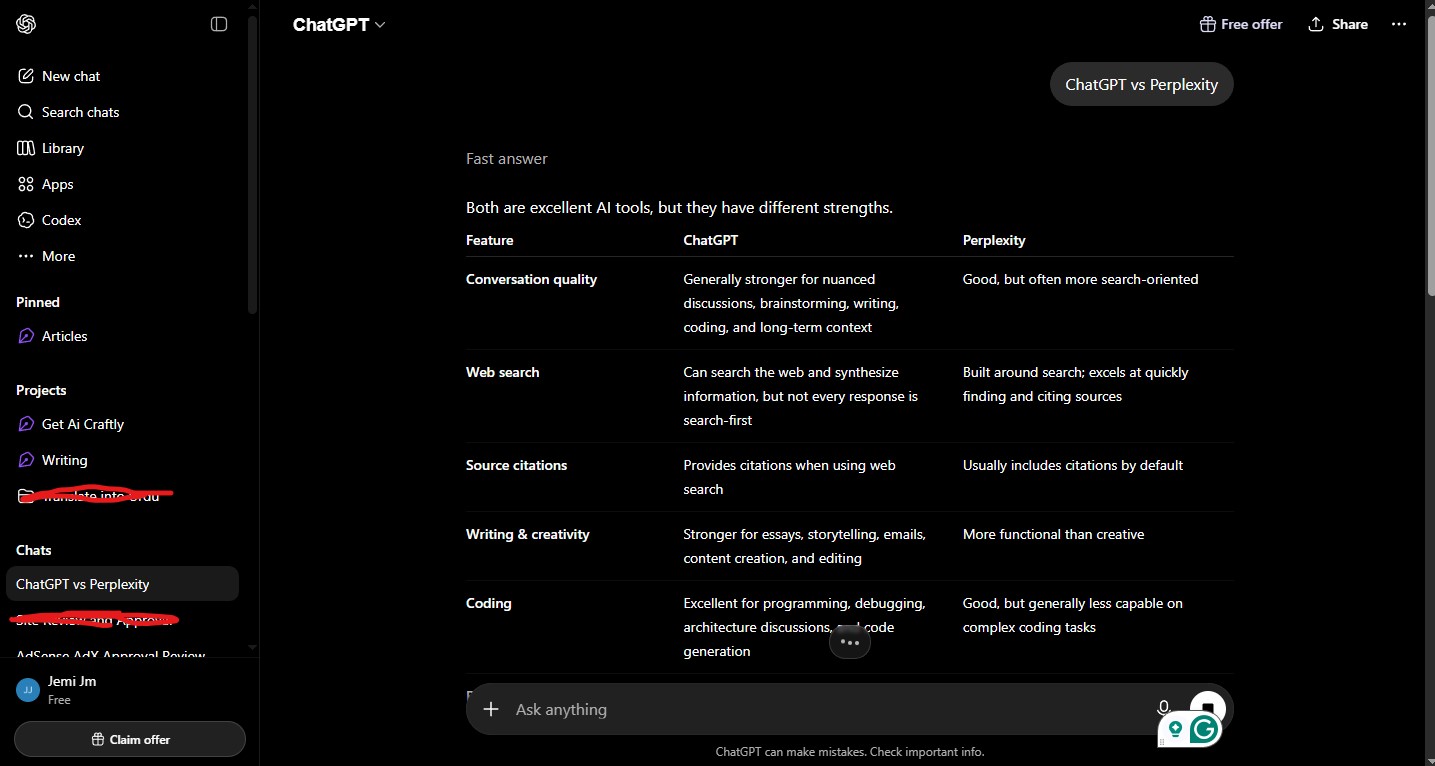
ChatGPT is an AI chatbot developed by Open AI, first released publicly in November 2022. It is powered by OpenAI’s GPT series of large language models — currently GPT-4o on the free plan and more advanced versions on the paid tier. ChatGPT is designed to be a general-purpose AI assistant: it can write, reason, code, explain, translate, summarize, roleplay, and hold extended, context-rich conversations on virtually any topic.
As of 2025, ChatGPT has grown into the most widely used AI tool in the world with over 180 million active users. The free plan gives access to GPT-4o mini with usage limits. ChatGPT Plus ($20/month) unlocks the full GPT-4o model, image generation via DALL-E, file uploads, web browsing, custom GPTs, and higher usage caps.
What Is Perplexity AI?
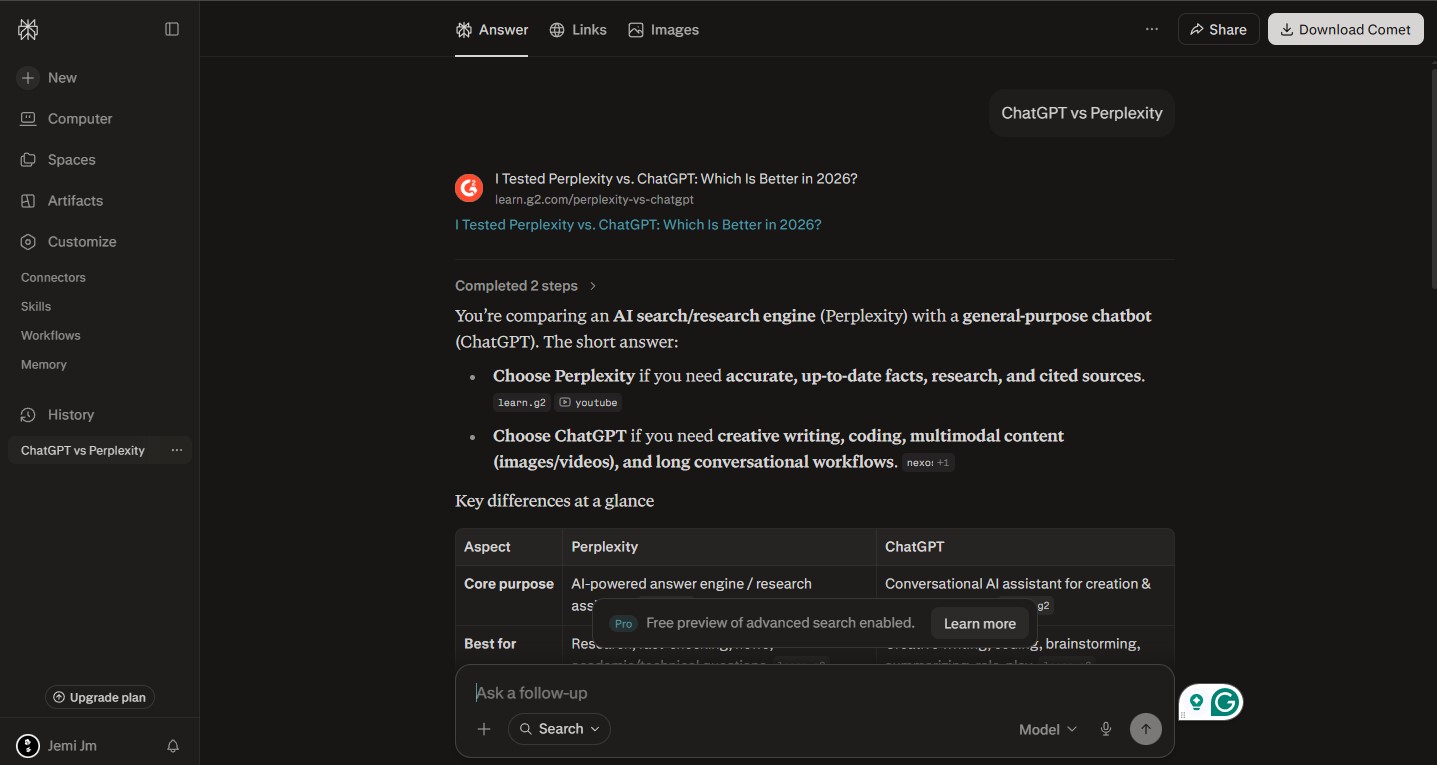
Perplexity AI is an AI-powered answer engine launched in 2022. It is built differently from ChatGPT at a fundamental level, rather then relying solely on a language model’s training data, Perplexity combines AI with real-time web search. Every answer it generates is sourced from live web pages, and every claim is backed by clickable citations that link to the original source.
Perplexity is not trying to be a general-purpose assistant in the way ChatGPT is. It is specifically optimized for research, information retrieval, and getting accurate, current, sourced answers quickly. The free plan includes standard searches with web access. Perplexity Pro ($20/month) unlocks more powerful AI models including GPT-4o and Claude, file uploads, image generation, and a higher volume of Pro searches.
ChatGPT vs Perplexity: Head-to-Head Across 7 Key Categories
1. Real-Time Information and Current Events
This is the most important functional difference between the two tools — and it matters enormously depending on what you use AI for.
Perplexity wins this category completely. It is connected to the live web by default, on every plan including the free tier. Every time I needed current information, a recent product lauuch, updated pricing, a new story from last week, the latest quarterly earnings report — Perplexity delivered it accurately and sourced it to the original page.
ChatGPT’s free plan does have some web browsing capability, but it is inconsistent. In my 17 months of testing, free-plan ChatGPT regularly gave me outdated information without flagging that the data might be stale. ChatGPT Plus handles this better with more reliable browsing, but even then, the sourcing is less systematic than Perplexity’s citation-based approach.
I ran a direct test: I asked both tools about a regulatory development in the AI industry that had happened the previous week. Perplexity returned a detailed, sourced answer within seconds. ChatGPT on the free plan gave me background on the topic from its training data — accurate for context but completely missing the recent development I was asking about.
Winner: Perplexity — real-time web access is its core architecture, not an add-on feature.
2. Writing Quality and Long-Form Content
This is where ChatGPT separates itself from Perplexity convincingly.
Over 17 months of using both for writing tasks, ChatGPT consistently produced more polished, nuanced, and human-sounding prose. Whether I was drafting a long-form blog post, writing a client proposal, crafting marketing copy, or editing an existing piece of writing, ChatGPT gave me output that required significantly less cleanup before it was usable.
The difference comes down to design philosophy. ChatGPT is trained to be a conversational assistant with a strong emphasis on language generation. Perplexity is trained to synthesize sourced information — which means its output tends to be factual and organized but structured like a research brief rather than flowing, readable prose. When I asked Perplexity to write a 1,200-word article on a given topic, I received something that read more like a Wikipedia entry than an engaging piece of content. Technically correct, but dry.
I tested this comparison across more than 30 writing tasks throughout my 17 months of usage. ChatGPT produced more usable first drafts roughly 80% of the time. For creative writing, persuasive content, storytelling, or anything where voice and style matter, there was no real competition.
Winner: ChatGPT — the writing quality gap is consistent and meaningful.
3. Research and Fact-Checking
Perplexity was built for research. ChatGPT was not — and that difference shows clearly when you need reliable, verifiable information.
Every Perplexity answer comes with numbered citations. You can see exactly which sources the AI used, click through to read the original pages yourself, and verify every specific claim independently. Over 17 months, I used Perplexity to fact-check statistics before publishing content, verify claims made in press releases, research competitor positioning, and investigate topics where accuracy was non-negotiable. The citation system made all of this faster and more trustworthy.
ChatGPT, by contrast, presents information confidently but without citations. It draws from its training data and produces answers that feel authoritative but are harder to verify at a glance. In my testing, ChatGPT occasionally produced what the AI community calls “hallucinations” — confidently stated facts that were either subtly wrong or entirely fabricated. This happened less with newer model versions, but it never disappeared entirely.
For any research task where you need to be able to say “I verified this from a primary source,” Perplexity is the significantly safer choice.
Winner: Perplexity — cited, sourced answers are a structural advantage that ChatGPT cannot replicate without extra verification steps.
4. Conversational Depth and Extended Problem Solving
ChatGPT is in a different league here.
One of ChatGPT’s defining strengths — one I came to rely on heavily over 17 months — is its ability to hold genuinely useful, extended conversations. It tracks context across a long exchange, builds on earlier points in the conversation, adjusts its approach based on your feedback, and works through multi-step problems iteratively. When I was developing a content strategy, planning a project structure, or working through a complex business problem, ChatGPT felt like thinking out loud with a sharp, well-informed collaborator.
Perplexity’s conversational capability is functional but shallow by comparison. It is optimized for query-and-answer interactions — you ask a question, it searches and responds. Follow-up questions work, but the depth of reasoning and contextual memory across a long conversation is noticeably weaker. Perplexity is a research tool. ChatGPT is a thinking partner.
Winner: ChatGPT — extended, iterative problem-solving is one of its core strengths.
5. Coding and Technical Assistance
Both tools handle coding questions, but ChatGPT is the stronger option for most development tasks.
Over my 17 months of testing, I used ChatGPT for debugging Python scripts, writing JavaScript functions, explaining SQL queries, and working through API integration challenges. Its ability to understand the full context of a coding problem — not just the surface-level error but the underlying architectural issue — made it genuinely useful for complex technical work. It also explains its reasoning clearly, which made me a better developer over time rather than just giving me code to copy.
Perplexity is useful for specific, lookup-style coding questions — finding the correct syntax for a function, checking what a library does, or locating current documentation for a framework. Its real-time web access is actually a meaningful advantage here: package documentation changes, and Perplexity can pull the current version’s docs rather than relying on training data that may reference outdated syntax.
For straightforward technical lookups, Perplexity’s web access is a genuine advantage. For multi-step debugging and complex code generation, ChatGPT is more capable.
Winner: ChatGPT (overall) — Perplexity wins for documentation lookups, ChatGPT wins for complex coding tasks.
6. Speed and Ease of Use
Both tools have clean, intuitive interfaces that require no technical knowledge to use. You open the app, type a question, and get an answer. That simplicity is one of the things that made both worth testing seriously from day one.
Perplexity is faster for quick queries. Because it is built around a search-and-synthesize model, it returns answers quickly for focused questions — typically within 5–10 seconds including source retrieval. The interface is minimal and task-focused: a search bar, an answer, and your citations.
ChatGPT is slightly slower for complex responses, which reflects the depth of generation it is doing. The interface offers more features — conversation history, custom GPTs, file uploads, image generation — which adds capability but also adds some interface complexity compared to Perplexity’s focused design.
For users who want to get in, get an answer, and get out, Perplexity’s interface is the cleaner experience. For users who want a persistent workspace where they can pick up ongoing conversations and work across multiple sessions, ChatGPT’s interface is better designed.
Winner: Perplexity for speed and simplicity. ChatGPT for feature depth and persistent workspaces.
7. Image Generation and Multimedia
ChatGPT wins this category by default — Perplexity’s image generation is a Pro-only feature and is not its core use case.
ChatGPT Plus includes DALL-E 3 image generation built directly into the conversation interface. I used this extensively for generating concept visuals, mockup ideas, and illustrative graphics for content projects. The integration is seamless — you describe what you want in plain language and get multiple image options within the same chat window.
Perplexity Pro does offer image generation as a feature, but it is not built around visual creation and the experience reflects that. For multimedia content needs, ChatGPT is the better equipped tool.
Winner: ChatGPT — image generation is deeper and more integrated.
Pricing Comparison
| Feature | ChatGPT Free | ChatGPT Plus | Perplexity Free | Perplexity Pro |
| Price | $0 | $20/month | $0 | $20/month |
| AI Model | GPT-4o mini | GPT-4o | Standard LLM | GPT-4o / Claude |
| Real-Time Web Access | Limited | ✓ Yes | ✓ Yes (always) | ✓ Yes (always) |
| Cited Sources | ✗ No | ✗ No | ✓ Yes | ✓ Yes |
| Image Generation | ✗ No | ✓ DALL-E 3 | ✗ No | ✓ Limited |
| File Uploads | ✗ No | ✓ Yes | ✗ No | ✓ Yes |
| Custom GPTs | ✗ No | ✓ Yes | ✗ No | ✗ No |
| Daily Usage Limits | Moderate | High | Moderate | Higher |
| Long Context | Moderate | ✓ Yes | Moderate | Moderate |
ChatGPT Pros and Cons
Pros
1. Best General-Purpose AI Assistant Available
2. Superior Writing and Content Quality
3. Deep Conversational Memory Within Sessions
4. Powerful Ecosystem — GPTs, Plugins, API
5. Image Generation Built In (Plus)
6. Constant Model Improvements
Cons
1. Unreliable Real-Time Information on Free Plan
2. No Citations or Source Links
3. Hallucinations Still Occur
4. Free Plan Limitations Are Frustrating
My Rating: 3.5/5
Perplexity Pros and Cons
Pros
1. Real-Time Web Access on Every Plan
2. Every Answer Is Fully Cited
3. Fastest Tool for Quick Research Queries
4. Clean, Focused Interface
5. Pro Plan Includes Multiple AI Models
Cons
1. Weak Long-Form Writing Output
2. Limited Conversational Depth
3. No Image Generation on Free Plan
4. Less Versatile Across Task Types
My Rating: 3.9/5
Frequently Asked Questions: ChatGPT vs Perplexity
Q1: Which is better for students — ChatGPT vs Perplexity?
Both are valuable for students but serve different academic needs. Perplexity is better for research — finding current, cited sources for papers and fact-checking claims before submission. ChatGPT is better for understanding concepts in depth, writing essays, working through practice problems, and getting detailed explanations. For serious academic work, using both together is the most powerful approach.
Q2: Is Perplexity more accurate than ChatGPT?
For current factual information, yes — because Perplexity pulls from live web sources and cites them. For well-established knowledge that does not change frequently, ChatGPT vs Perplexity are comparably accurate. The key distinction is verifiability: Perplexity shows you its sources so you can check, while ChatGPT asks you to trust its output.
Q3: Can ChatGPT replace Perplexity for research?
Not completely. ChatGPT Plus with web browsing enabled handles many research queries well, but its sourcing is less systematic than Perplexity’s citation model. For professional research where source verification matters — journalism, academic work, content marketing — Perplexity’s citation system provides a level of trustworthiness that ChatGPT’s browsing cannot consistently replicate.
Q4: Which tool is better for content creators?
ChatGPT is the stronger tool for content creation. Its writing quality, tonal range, and ability to iterate on drafts through conversation make it the better choice for producing articles, social media content, scripts, newsletters, and marketing copy. Perplexity is more useful in the research phase before writing begins.
Q5: Is ChatGPT free plan good enough, or should I pay?
The ChatGPT free plan is genuinely useful for everyday writing, basic research, coding help, and general Q&A. The main limitations are inconsistent web access, no image generation, and occasional throttling during peak hours. If you use ChatGPT for professional or high-volume work, the Plus plan at $20/month is worth it. For casual use, the free plan handles most tasks adequately.
Q6: Does Perplexity work without an internet connection?
No. Perplexity requires an active internet connection because its core functionality depends on real-time web search. It is not usable offline in any meaningful way. ChatGPT technically processes questions from its training data without requiring web access for non-browsing responses, though it also requires internet connectivity to function as a web application.
Q7: Which is better for coding help — ChatGPT vs Perplexity?
ChatGPT is better for most coding tasks — particularly debugging, code generation, and multi-step technical problem solving. Perplexity’s advantage in coding is specifically for looking up current documentation, checking updated syntax for libraries, or finding recent answers to specific technical errors. For a complete coding workflow, I used both: ChatGPT for building and debugging, Perplexity for documentation lookups.
Q8: Can I use ChatGPT vs Perplexity together effectively?
Yes — and this is exactly how I used them for most of my 17 months of testing. My typical workflow: use Perplexity to gather current, sourced research on a topic, then bring that information into ChatGPT to write, analyze, or build on it. The two tools have almost no overlap in their core strengths, which makes them genuinely complementary rather than redundant.
Q9: Which AI tool is better for business use?
It depends on the business function. For marketing and content teams, ChatGPT’s writing quality and creative range make it the primary tool. For research analysts, competitive intelligence teams, and journalists, Perplexity’s real-time sourced answers are more valuable. Most business users will benefit from having access to both.
Q10: Will Perplexity eventually become as capable as ChatGPT for writing?
Unlikely in the near term — the two tools are built around fundamentally different design philosophies. Perplexity is optimizing for search accuracy and source reliability. ChatGPT is optimizing for language generation quality and conversational intelligence. These are different problems, and both companies appear to be doubling down on their respective strengths rather than trying to converge into identical products.
My Personal 17 Months Experience: ChatGPT vs Perplexity — Which One Wins?
After 17 months of daily, real-world testing across dozens of task types, my honest conclusion is that declaring one tool the outright winner misses the point entirely.
ChatGPT is the better tool if you:
- Create written content regularly — articles, emails, scripts, marketing copy
- Need a thinking partner for extended, complex problem solving
- Use AI for coding, analysis, or creative work
- Want the most versatile general-purpose AI assistant available
Perplexity is the better tool if you:
- Do research that requires current, cited, verifiable information
- Need to fact-check claims before publishing or presenting
- Work in journalism, academia, market research, or competitive intelligence
- Want the fastest, most trustworthy answer to specific factual questions
My personal recommendation after 17 months: Use both. They are both free at the entry level. They cover almost entirely different ground. Using only one means leaving real capability on the table.
If I had to choose just one — for my specific workflow as a content creator and researcher — I would choose ChatGPT for its writing quality and conversational depth, and keep a Perplexity tab open for every research task where source verification matters.
The ChatGPT vs Perplexity debate is ultimately not about which tool is better. It is about understanding what each tool was built to do, and matching the right tool to the right task. Do that, and both tools will make you meaningfully more productive.
My Rating: 8.9/10
James Eco is an AI tools researcher and content
creator with 3+ years of experience testing and
reviewing AI tools for creators and businesses.
At Get AI Craftly, he provides honest, hands-on
reviews to help readers choose the best AI tools.